Canvas Settings
Canvas settings in the right navigation bar control the overall appearance of your collage. Adjust spacing, margins, and corner radius.
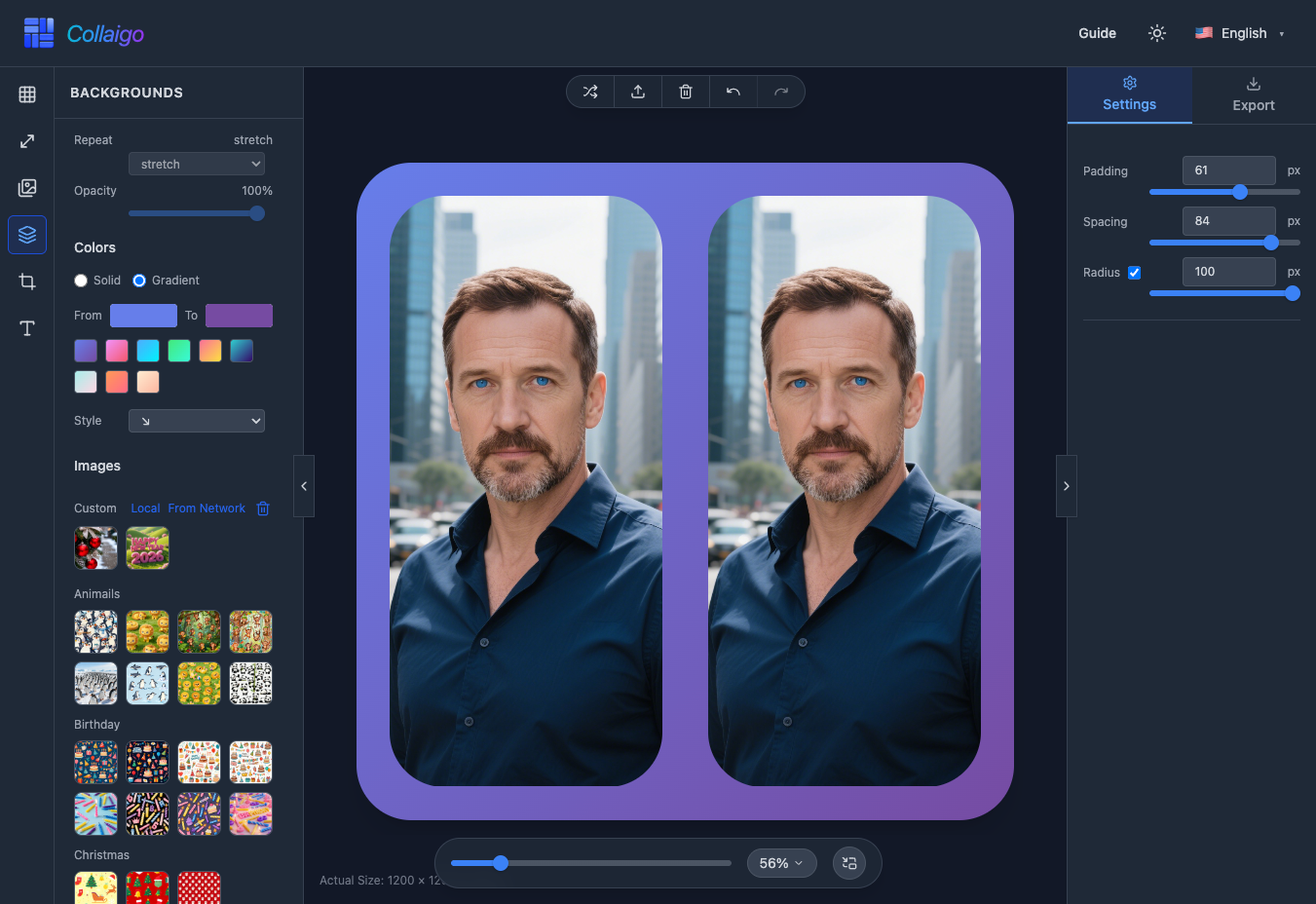
- Padding: Add space (padding) around the entire collage via 『Settings』->『Padding』.
- Spacing: Control the gap between image slots in the grid via 『Settings』->『Spacing』.
- Radius: Apply corner radius to the canvas and images via 『Settings』->『Corner Radius』.